Build the tour.
Bake the move.

CameraOp is an After Effects panel that arranges your elements in 3D space, flies a camera tour through them, and bakes the move to render-ready keyframes — no expressions, no keyframe wrangling. Use it on its own, or let DataDriver drive it row by row.

AE 2022+ · macOS · Windows

9 layouts · one camera tour · one-button bake.

How it works

1
In CameraOp

Lay it out

Pick one of nine spatial layouts and CameraOp arranges your elements in 3D space — no manual positioning, no null-wrangling.

2
In CameraOp

Tour it

Point the camera at the slots, set the order, choose a framing look. It flies between them with real easing and optional handheld life.

3
In CameraOp

Bake it

One button writes clean keyframes onto a dedicated camera layer — render-ready, zero expressions. Change your mind and re-bake.

A whole camera department, minus the expressions.

Six things CameraOp does so you don't keyframe by hand.

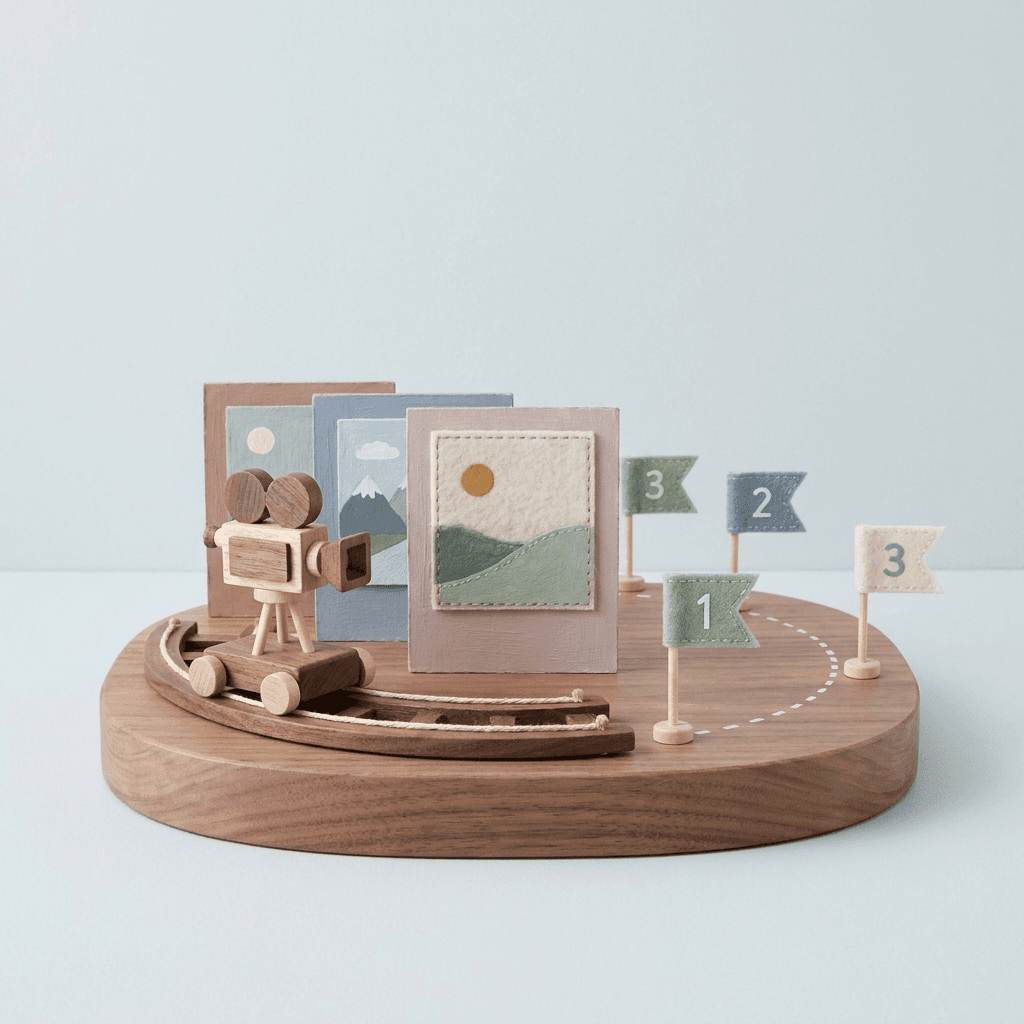
Nine ways to arrange a shot

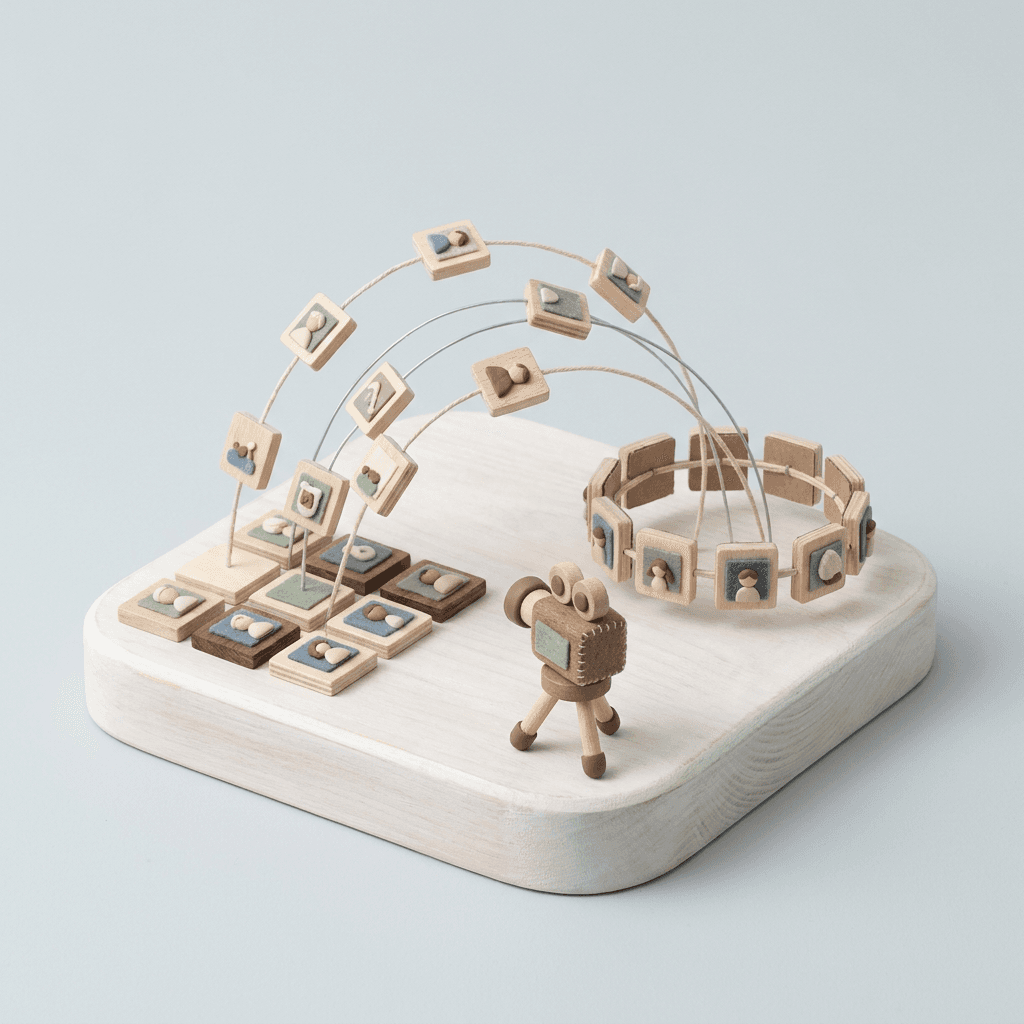
Grid, ring, helix, sphere, wave, scatter — drop dozens of 3D elements into place in one click. No nudging layers by hand.

Nine spatial layout generators (grid, ring/arc, strip, helix, scatter, random, sphere, wave, freeform) with content-fit auto-parameters.

Choreograph the tour, don't keyframe it

Point the camera at your slots, set the order, pick a look — and it tours between them with real easing instead of a robotic snap.

Target choreographer with heading/pitch/track/dolly control, a keyframed target timeline, and an eased flythrough engine with curve preview.

Bake a render-ready move

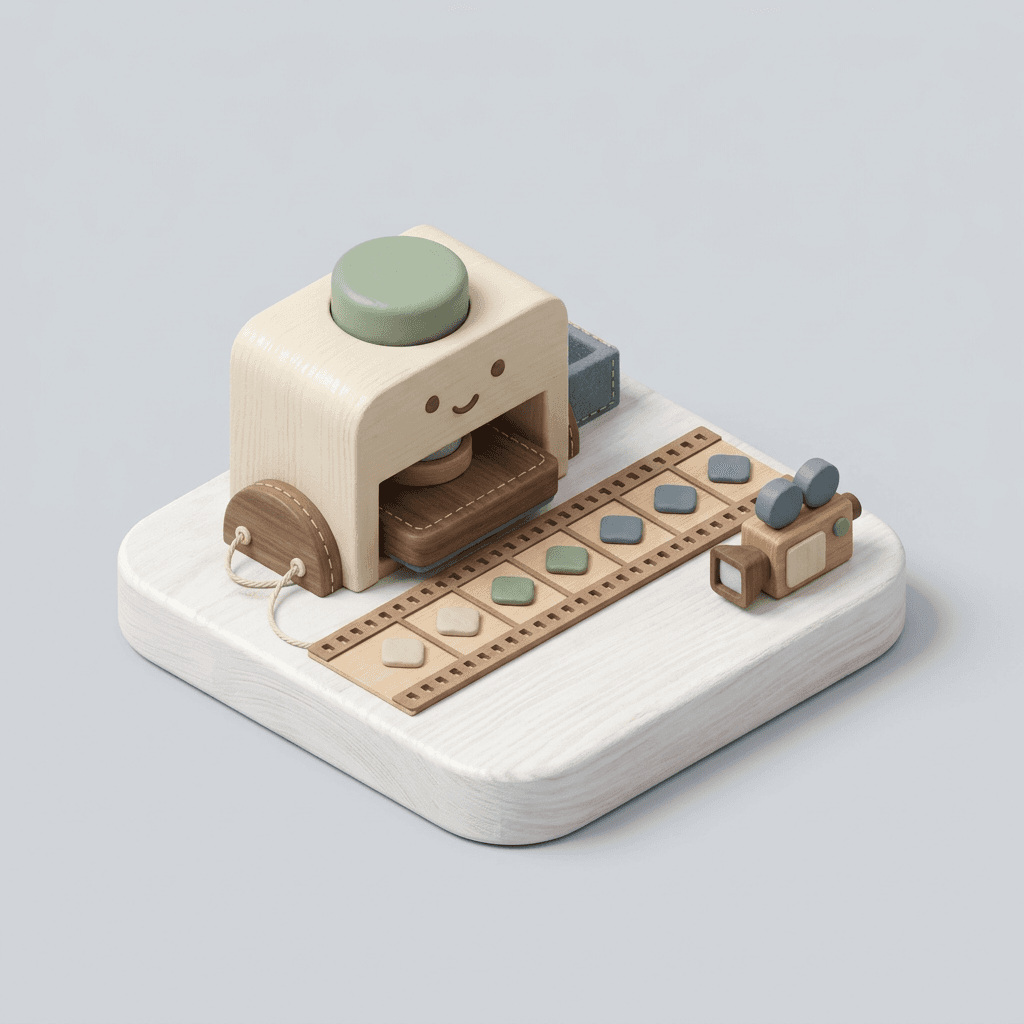
One button turns the live rig into clean keyframes on a dedicated camera layer. Change your mind? Re-bake.

Non-destructive bake to static keyframes on a separate camera; the rig stays editable for re-bake. Zero expressions.

Camera Life — never locked-off

Layer in drift, handheld jitter, and a little breathing so a baked move reads like a real operator held it.

Procedural drift/shake/handheld presets with amplitude/frequency/mix, composited over any move and baked in.

Morph the whole scene mid-tour

Animate the arrangement itself — grid to ring — as a timed beat. The elements physically fly while the camera moves.

Layout morph between two arrangements as a timed transition, composable with the camera move and baked alongside.

One tour → hundreds of variations

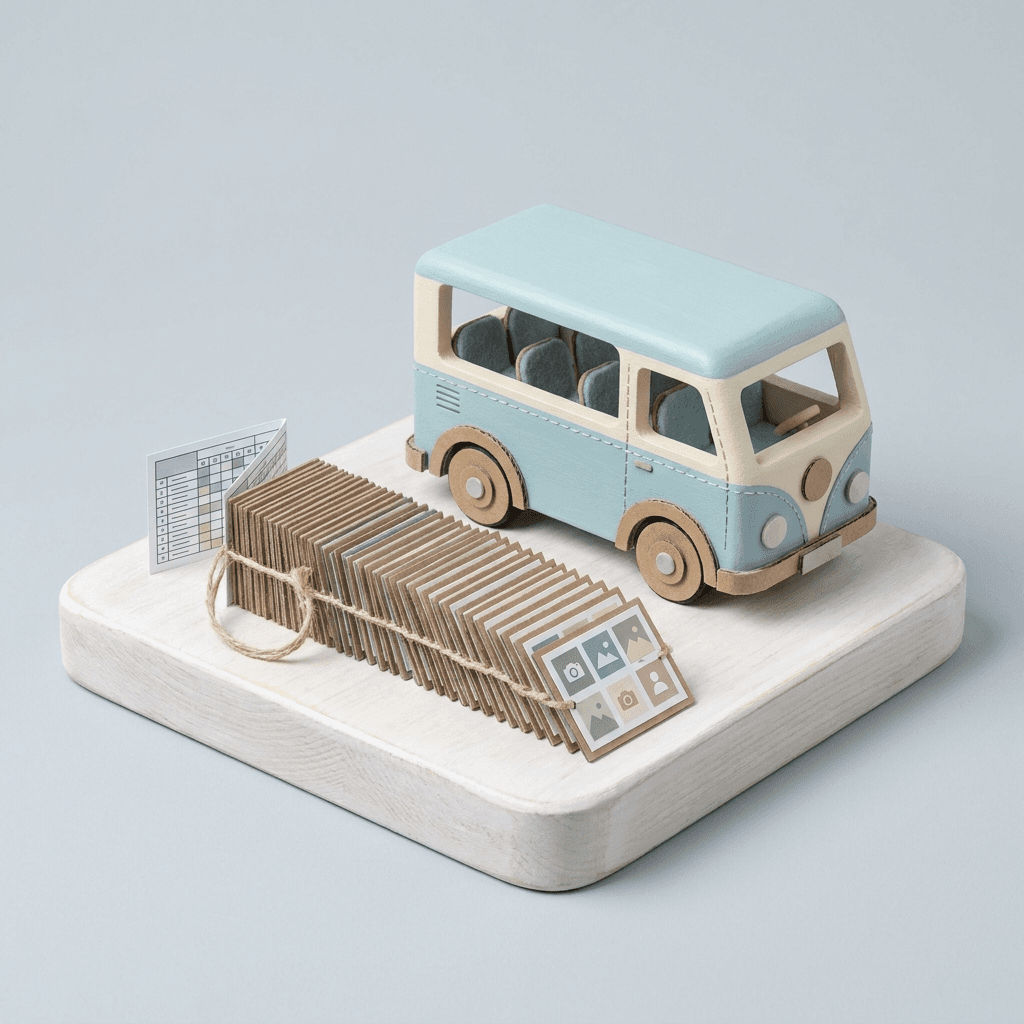
Pair it with DataDriver and a single layout + camera tour renders every row of your data — each one framed and on-brand.

Over the Slot_N layer contract, DataDriver's batch replicate fills the tour's slots row by row; CameraOp supplies the move, DataDriver supplies the data.
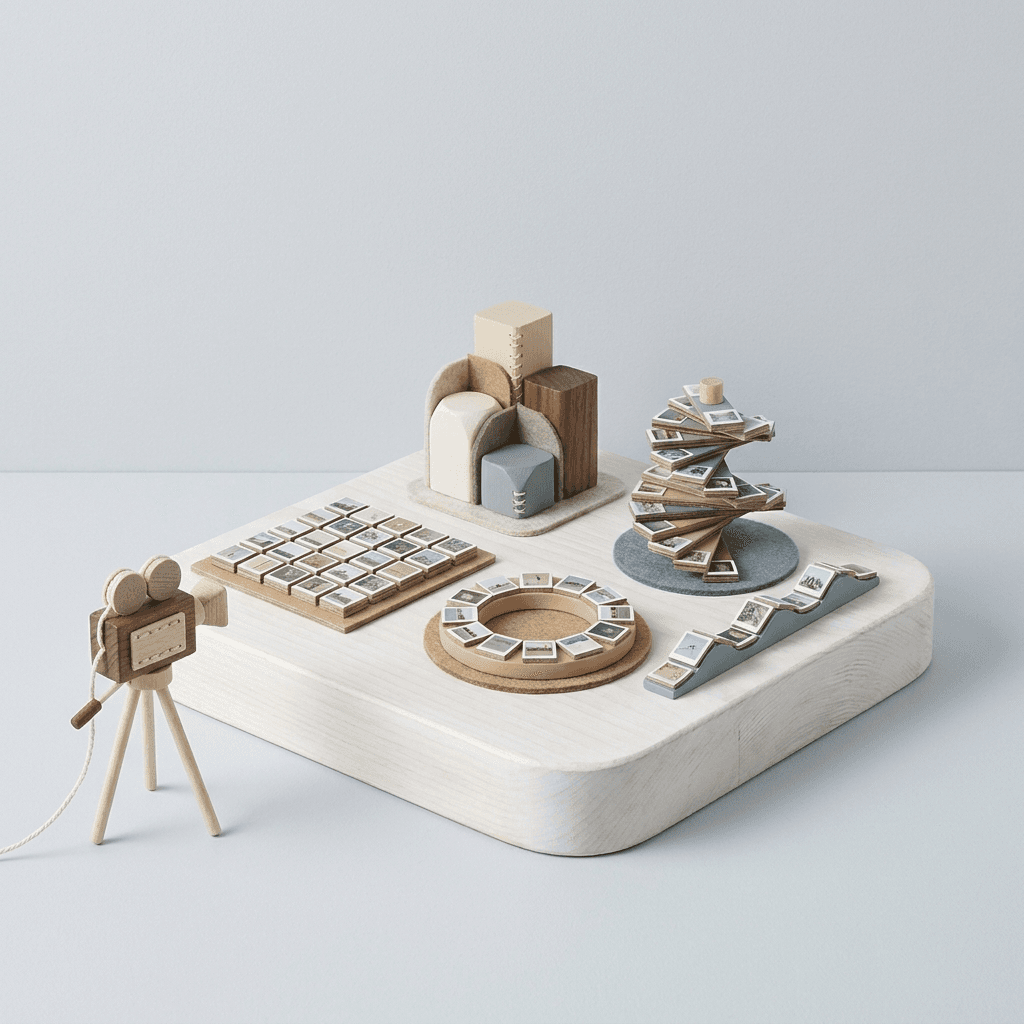
Nine ways to arrange a scene

Pick a shape. It fills with your elements.

Grid wall
Ring / arc
Strip / line
Helix / spiral
Scatter
Random
Sphere
Wave / curve
Freeform

Better together

DataDriver brings the data. CameraOp brings the camera.

Rig a scene in CameraOp — a spatial layout of slots and a tour that flies through them. Then let DataDriver pour your spreadsheet into those slots, one row at a time. One rig, one tour, hundreds of finished variations — each with its own text, images, and brand, all shot the same cinematic way.

Great for tours like these.

  • Product showcasesSpin through a whole catalog
  • Title sequencesNames arranged in space
  • Photo & logo wallsFly past dozens at once
  • Data-city flythroughsMove through the bars, not past them
  • Org charts & timelinesTour the structure
  • Award / roster revealsOne move, every name

Questions, answered.

Want the camera panel too?

CameraOp ships alongside DataDriver. Request an invite and we'll include it.